Digital WHS Forms & QR

Digital WHS Forms & QR

Complimate's Digital WHS Forms & QR system helps Australian businesses replace paper-based safety forms with digital forms that workers can complete on mobile devices. Build forms from templates, add dynamic fields and signatures, connect forms to sites, projects, employees or assets, and use QR codes for quick access in the field.

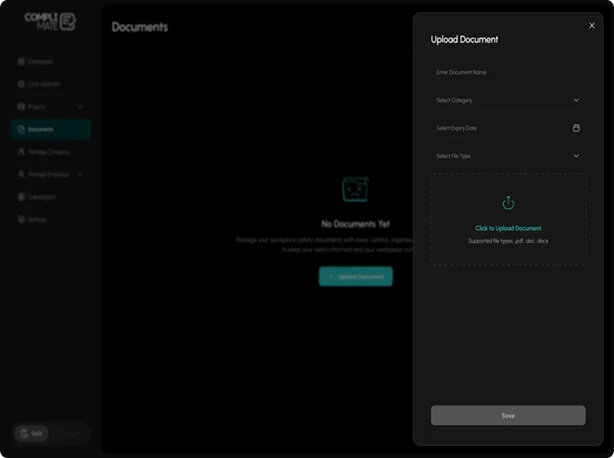
Complimate digital WHS forms library with templates, records and QR access

What Are Digital WHS Forms?

Digital WHS forms are electronic versions of workplace health and safety forms that can be completed, submitted and stored digitally instead of relying on paper records.

Complimate provides two connected parts: a Forms Library for administrators to create and manage forms, and Digital Forms for workers to access and complete them. Forms can include sections, fields, instructions and signature capture, while completed submissions can be stored and exported as PDFs.

This makes the platform suitable for businesses that need electronic safety forms, digital WHS checklists and mobile compliance records across one or multiple sites, supported by safety management software.
Forms Library
Digital Forms
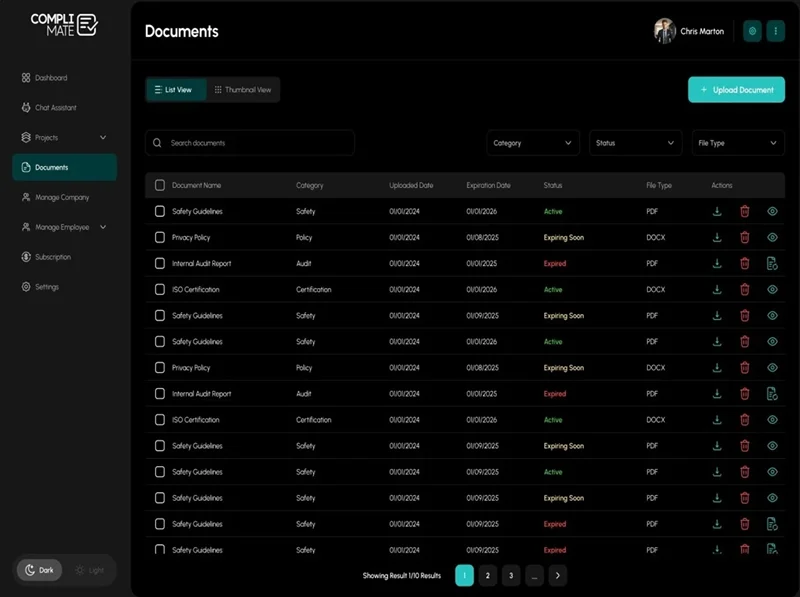
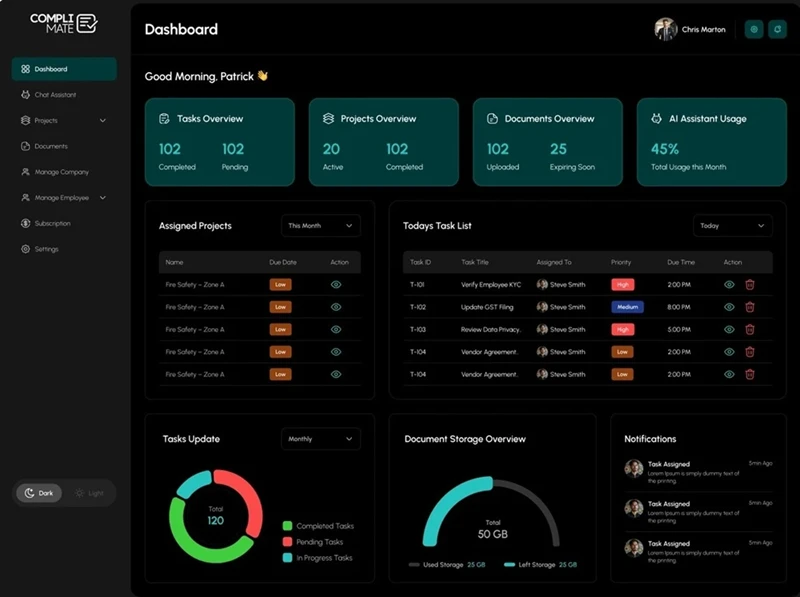
Complimate dashboard showing digital WHS form activity and compliance records

How Can Complimate Be Used for Safety Inspections?

Complimate can support safety inspection software use cases by allowing teams to create digital inspection checklists and collect records directly from the workplace.

Common examples include:

Complimate digital form workflow for inspections, checklists and site records
  • Site inspections

    — complete inspection forms from a phone or other mobile device.

  • Pre-start checklists

    — link forms to a project for consistent records.

  • Hazard and incident reports

    Hazard reports allow workers to submit hazard information from the field, while incident reports capture an immediate digital record. For a broader workflow, explore incident management software.

  • Site inductions

    — provide forms through a QR code.

  • Toolbox talks

    — use QR-accessed forms for site-based records.

  • Auditor evidence

    — export completed forms as PDFs when a documented record is required.

What Features Are Included in Digital WHS Forms?

01

Build Forms From Templates

Administrators can create forms from company templates or build new forms using sections, fields, signatures and instruction files. Forms can also be activated, deactivated or deleted as requirements change. The AI Compliance Assistant can also help teams find information in their uploaded compliance documents.

02

Give Workers QR and Mobile Access

QR codes can be printed or downloaded and used to provide quick access to forms. Workers can complete active forms through mobile access without needing to work from a desktop.

03

Capture Signatures and Dynamic Information

Forms support dynamic fields and signature capture. They can also draw information from employees, projects, sites, assets and tasks, helping reduce repeated data entry.

04

Keep a Submission History

Completed forms are retained with submission history and record details. Forms can be linked to sites, projects and employees so compliance records remain connected to the relevant part of the business, including contractor management workflows where applicable.

05

Export Completed Forms as PDF

Blank or completed forms can be exported as PDFs. This can be useful when teams need to provide documented evidence for internal reviews, audits or other compliance processes.

How Does the Digital WHS Forms System Work?

1

Create a form

— build one from a template or create your own.

2

Add the required fields

— include instructions, signatures and relevant dynamic fields.

3

Connect the form

— link it to a site, project, employee, asset or task where appropriate.

4

Publish the form

— make it available to workers.

5

Share by QR code

— print or download a QR code for quick site access.

6

Complete on mobile

— workers fill out and submit the form from the field.

7

Review the record

— view submission history and individual records.

8

Export when required

— generate a PDF of the completed form.

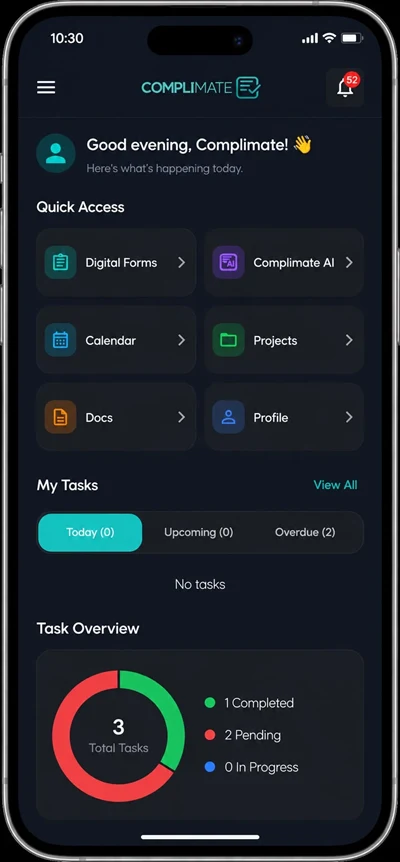
Workers can complete active forms through mobile access without needing to work from a desktop.

Complimate mobile app for completing digital WHS forms in the fieldComplimate mobile form submission and QR access on a phone

Make WHS Forms Easier to Complete and Track

Move site inductions, inspections, checklists, hazard reports and other WHS forms into a structured digital workflow with Complimate Digital WHS Forms & QR.

Start Your Free Trial

What Can You Manage With Digital WHS Forms?

CapabilityComplimate functionality

Form builder

Sections, fields, signatures and instruction files

Templates

Company forms and template library

QR access

Print or download QR codes for forms

Mobile forms

Workers can browse and complete active forms

Dynamic fields

Data from employees, projects, sites, assets and tasks

Form records

Submission history and record details

PDF export

Export blank or completed forms

Form linking

Connect forms with Sites, Projects and Employees

Notifications

Notify users when forms are submitted

These capabilities are documented as part of Complimate's live Digital Forms & QR functionality.

Complimate Digital WHS Forms: Key Specifications

SpecificationDetails
ProductDigital WHS Forms & QR
Form accessWeb/mobile access
QR codesPrint and download
Form fieldsDynamic fields
SignaturesSignature capture
TemplatesCompany forms and template library
Linked recordsSites, Projects, Employees, Assets, Tasks
RecordsSubmission history and detail view
ExportBlank and completed PDF
IndustriesConstruction, Childcare, Health, NFP, Local Government
TrialFree trial without card details

The supplied product documentation confirms mobile access, QR functionality, PDF export and the listed industry positioning.

Frequently Asked Questions

Digital WHS forms are electronic workplace health and safety forms that workers can complete and submit digitally. Complimate supports form creation, mobile access, QR codes, signatures, submission records and PDF export.