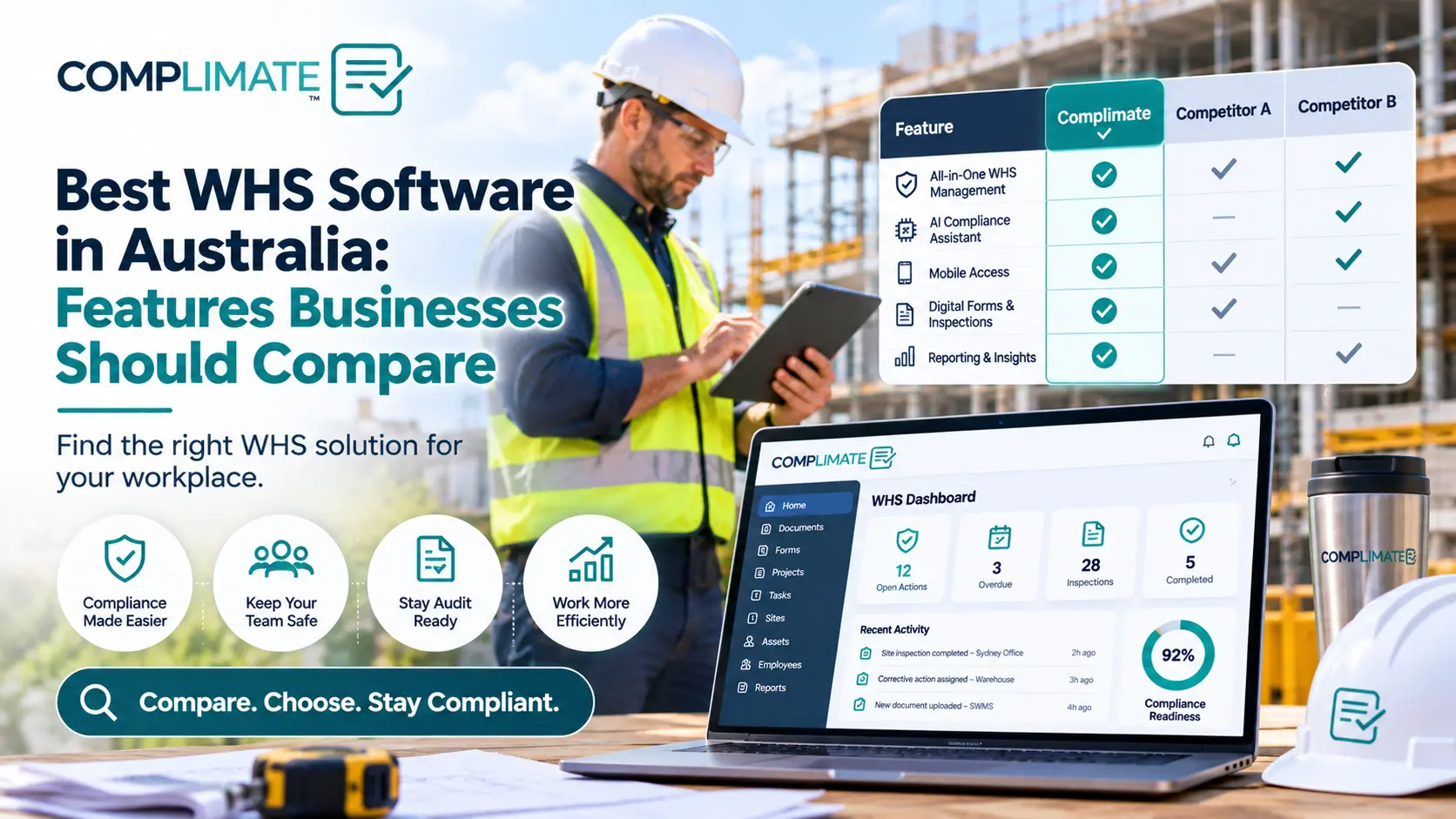
Managing workplace health and safety involves more than completing inspections and storing safety documents. Businesses also need to manage hazards, report incidents, track corrective actions, monitor training, maintain contractor records and prepare for audits.
When these activities are handled through spreadsheets, paper forms, emails and separate systems, important information can become difficult to find and follow up.
That is why many Australian businesses are considering WHS software to bring their safety and compliance processes together.
But with different platforms offering different features, how do you choose the right one?
The best WHS software is not necessarily the platform with the most features. It is the one that fits your business operations, makes safety processes easier to manage and gives your team clear visibility of outstanding responsibilities.
Key features to compare when choosing WHS software
Before comparing individual platforms, identify the functions your business needs. These are the key areas worth evaluating.
1. WHS document and policy management
Safety documentation is an important part of workplace health and safety management. Businesses may need to maintain:
WHS policies and procedures
Safe Work Method Statements (SWMS)
Risk assessments
Safety management plans
Training and induction records
Inspection and audit records
Plant and equipment documentation
Look for software that provides a central document library rather than simply allowing file uploads.
Useful document management features include:
Centralised document storage
Search and filtering
Document version control
Review and expiry dates
Alerts for documents approaching expiry
Access permissions for different users
These functions help teams find current documents and identify records that need review.
For businesses managing a large volume of safety records, explore WHS compliance software that brings documentation and other compliance workflows together.
2. Digital WHS forms and inspections
Paper-based inspections can make it difficult to organise records, follow up findings and access information from different worksites.
Digital WHS forms allow workers and supervisors to complete records using a computer or mobile device.
When comparing platforms, check whether they support:
Customisable form templates
Workplace inspection checklists
Hazard and incident reporting
Site induction forms
Toolbox talk records
Electronic signatures
Photo attachments
PDF exports and submission history
QR code access to forms
QR codes can be particularly useful for construction sites and workplaces where employees or contractors need quick access to forms.
For example, a worker could scan a QR code at a site entrance to access an induction or inspection form without searching through paper files.
Explore digital WHS forms and QR code functionality when comparing paperless safety processes.
3. Hazard and incident management
A WHS platform should help businesses record and manage workplace hazards, incidents and near misses.
However, recording an incident is only one part of the process. Businesses also need a way to investigate what happened, identify contributing factors and manage follow-up actions.
Check whether the software allows your team to:
Report hazards and incidents
Record near misses
Attach photographs and supporting evidence
Assign responsibility for investigations
Record findings and follow-up requirements
Track actions through to completion
Maintain a searchable incident history
A connected workflow is especially useful.
For example, if a worker reports a damaged piece of equipment, the business should be able to record the hazard, assign someone to investigate it, create a corrective action and retain evidence of the outcome.
This is more useful than keeping the original report in one system and tracking the follow-up in a separate spreadsheet.
Businesses looking for a dedicated workflow can explore incident management software.
4. Audits and corrective action tracking
WHS audits help businesses review their safety processes, identify gaps and determine where improvements are needed.
But an audit report has limited operational value if its findings are not followed up.
Look for audit software that allows you to:
Create and manage audit activities
Record findings and non-conformances
Attach evidence and supporting documents
Reference relevant requirements or clauses
Assign corrective actions
Set owners and due dates
Monitor progress
Record completed actions
One important question to ask a software provider is:
Can an audit finding become a tracked action without manually recreating the information elsewhere?
For example, if an inspection identifies a missing safety sign, the finding should be easy to turn into an assigned task with a due date and supporting evidence.
This helps create a clear connection between identifying a problem and documenting its resolution.
Compare platforms that offer WHS compliance audits and audit management.
5. Contractor and worker management
Businesses that work with contractors, subcontractors and labour-hire workers need visibility over their safety-related records.
Depending on the work and the applicable requirements, this may include licences, qualifications, inductions, training records, SWMS and other relevant documents.
Useful contractor management features include:
Contractor profiles
Document and licence storage
Expiry date tracking
Induction records
Training information
SWMS and risk assessment records
Site or project associations
Role-based access
A good system should make it easier to identify missing or expiring records before work begins.
For businesses with multiple contractors or projects, contractor management software can help organise these records in one place.
6. Plant, equipment and asset registers
Businesses using vehicles, machinery, tools and other equipment need a practical way to maintain relevant asset information.
A useful WHS platform should allow businesses to record:
Asset names and identification details
Equipment information
Assigned sites or users
Inspection and service records
Maintenance schedules
Relevant documents
Licence or certification expiry dates, where applicable
The aim is to make important equipment records easier to find and maintain.
For example, a site supervisor should be able to check the available records for a piece of equipment without searching through several folders or spreadsheets.
Explore plant and equipment register software when evaluating this functionality.
7. Task management and accountability
Safety processes often involve several people. A supervisor may identify an issue, a manager may approve the required action, and a worker may need to complete the task.
Without clear ownership, follow-up activities can be delayed or overlooked.
Check whether the platform supports:
Assigning tasks to individuals
Setting due dates and priorities
Tracking task status
Adding comments and attachments
Recording evidence of completion
Viewing overdue and outstanding work
Managing responsibilities across projects
A dashboard that shows outstanding tasks can help managers understand what needs attention.
Also check whether the software connects tasks with audits, inspections and corrective actions. This reduces duplicated administration and makes it easier to follow the history of an issue.
8. Mobile access and QR code functionality
WHS activities often happen away from an office. Workers may need to report a hazard, complete an inspection or access a procedure while working on site.
Mobile access can make these activities more practical.
When comparing WHS software, check whether the mobile experience allows users to:
Access relevant safety documents
Complete digital forms
Submit hazard and incident reports
Upload photographs
Access QR-linked forms
View and update assigned tasks
Retrieve information while working in the field
Do not assess mobile functionality based only on whether an app exists. Ask for a demonstration of the actual tasks workers will perform.
9. Reporting, dashboards and visibility
A WHS platform should help managers understand the current state of their safety activities.
Useful reporting features include:
Open and completed corrective actions
Overdue tasks
Incident and hazard records
Audit findings
Document expiry information
Inspection and form submission history
Project or site-level activity
Before selecting a platform, check whether reports can be filtered by site, project, employee or date range.
Also confirm whether information can be exported in formats your business needs, such as PDF, Word or Excel.
Reporting should help managers identify areas requiring attention, not just display large amounts of data.
10. AI-powered compliance assistance
Some modern WHS platforms include AI features that help users find information, review documents or prepare compliance material.
These capabilities can be useful, but they should be evaluated carefully.
Consider whether the AI functionality can:
Answer questions using your organisation's uploaded documents
Help users locate relevant policies and procedures
Reference relevant WHS legislation or standards
Assist with drafting policies and procedures
Support SWMS and risk assessment preparation
Review site photographs for potential hazards
Help identify audit findings and possible compliance gaps
Also ask how the system handles sources, accuracy, privacy and human review.
AI-generated information should be checked by an appropriately qualified person before being used for safety decisions. It should support professional judgement, not replace it or be treated as legal advice.
You can learn more about AI compliance assistant functionality.
WHS software comparison checklist
Use this checklist when reviewing different platforms. Mark each feature as available, unavailable or requiring further investigation.
Do not assume that a feature is included simply because it appears on a provider's marketing page. Ask for a live demonstration and test the workflows that matter to your business.
What should Australian businesses consider before choosing WHS software?
Software selection should also account for the Australian regulatory environment.
Safe Work Australia develops model WHS laws, but the relevant laws are implemented and enforced by individual Commonwealth, state and territory jurisdictions. Victoria has its own Occupational Health and Safety framework.
This means businesses should check whether their chosen platform supports the requirements relevant to their location and industry. A software provider should be able to explain how its product helps users organise records and workflows without claiming that the software itself guarantees legal compliance.
Before making a decision, consider:
Your industry: Construction, healthcare, childcare, manufacturing and other sectors can have different operational risks and documentation needs.
Your business size: A small business may need straightforward forms and document management, while a larger organisation may need multiple sites, user permissions and more detailed reporting.
Ease of use: Workers and supervisors should be able to complete common tasks without extensive training.
Implementation: Ask how existing documents, registers and records can be transferred into the platform.
Pricing: Compare the total cost, including users, sites, storage, onboarding, support and additional modules.
Scalability: Choose a platform that can support your business as its workforce, contractors and number of sites grow.
For construction businesses, it may also be worth reviewing construction safety compliance software and SWMS and PCBU compliance resources.
How does Complimate support WHS management?
Complimate is an Australian WHS and compliance management platform designed to help businesses organise safety documentation, audits, digital forms, corrective actions and everyday compliance activities.
Rather than focusing only on inspections and checklists, Complimate brings several connected workflows together.
Its functionality includes:
Document management: Store policies, procedures, SWMS, registers and other compliance documents, with version and expiry tracking.
Digital Forms & QR: Create forms, collect submissions, capture signatures and give workers access through QR codes.
Audits: Manage audit activities, findings and supporting evidence.
Corrective Actions: Assign responsibility, set due dates and track actions through to completion.
Incident and hazard reporting: Maintain records and connect findings with follow-up activities.
Registers and assets: Organise relevant site, plant and equipment information.
Task management: Assign and monitor compliance-related work.
AI Compliance Assistant: Ask questions using uploaded company documents and access AI-assisted support for compliance tasks.
One practical advantage of connected workflows is that an issue identified during an inspection can become a corrective action, receive an assigned owner and be tracked through to completion.
Complimate is designed for Australian businesses, including organisations in construction, childcare, health, not-for-profit and local government.
Explore Complimate's WHS and compliance software to see how its features fit together.
Frequently asked questions
1. What is the best WHS software in Australia?
The best WHS software depends on your business size, industry, number of sites and compliance requirements. Compare document management, digital forms, incident reporting, audits, corrective actions, contractor management, reporting and mobile access before choosing a platform.
2. What features should WHS software include?
A practical WHS platform should support safety documentation, hazard and incident reporting, inspections, audits, corrective actions, task management and reporting. Businesses with contractors, multiple sites or equipment-intensive operations may also need contractor and asset registers.
3. Is WHS software suitable for small businesses?
Yes. Small businesses can use WHS software to organise safety documents, record hazards, complete inspections and track outstanding actions. The important thing is to choose a platform that is easy to use and does not introduce unnecessary complexity.
4. Can WHS software help with Australian WHS compliance?
WHS software can help businesses organise documents, maintain records, manage inspections and track corrective actions. However, using software does not automatically make a business compliant. Businesses remain responsible for understanding and meeting the WHS laws that apply to their operations.
5. What is the difference between WHS software and safety management software?
The terms are often used interchangeably. WHS software generally focuses on workplace health and safety activities, while safety management software may describe a broader set of tools for managing safety systems, audits, risks, incidents and corrective actions.
6. How much does WHS software cost in Australia?
Pricing varies between providers. Some charge based on users, sites, features or subscription tiers. Others may offer customised plans. Compare the full cost of implementation, training, support and additional features rather than looking only at the advertised monthly price.
Final thoughts
Choosing WHS software is about finding a system that supports the way your business manages safety every day.
A platform should do more than store documents or record inspection results. It should help your team connect safety activities, assign responsibilities, follow up identified issues and maintain useful records.
Before making a decision, shortlist platforms based on your business requirements, test their most important workflows and ask for a practical demonstration.
If you are looking for an Australian platform that brings documents, audits, digital forms, corrective actions and AI-assisted compliance support together, Complimate is worth considering.
Explore Complimate or contact the team to discuss your business requirements.